How to Register on GAON NASP? Step-by-Step Guide
Learn how to register on GAON NASP with this step-by-step guide. Join the digital agriculture platform to access markets, services, and improve farm income.
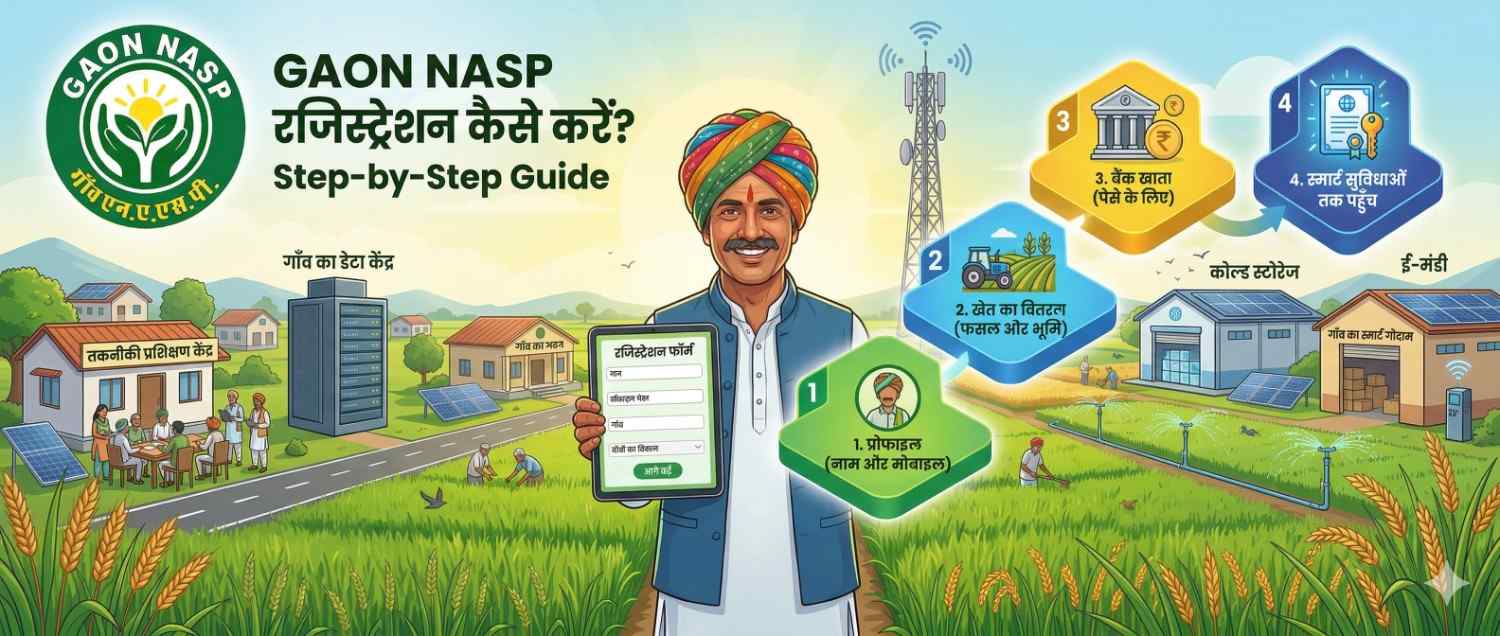
In today’s digital era, it is essential for farmers to connect with the right platforms to access better opportunities. GAON NASP is a platform that connects farmers with agriculture services, livestock support, markets, and finance. If you want to become a part of this network, follow the step-by-step guide below.
Why Register on GAON NASP?
- Better access to markets
- Technical support for farming and livestock
- Easy access to loans and financial services
- Higher income through cluster-based farming
- Direct connection with buyers and supply chains
Requirements for Registration
Before starting, keep the following ready:
- Active mobile number
- Aadhaar card or identity proof
- Bank account details
- Information about farming or livestock
Step-by-Step Registration Process
Step 1: Visit the GAON NASP Portal
Go to the official GAON NASP website or registration page.
Step 2: Click on “Register” or “Join”
On the homepage, click on the “Register” or “Join GAON NASP” option.
Step 3: Enter Mobile Number
Enter your mobile number to receive an OTP.
Step 4: Verify OTP
Enter the OTP to verify your mobile number.
Step 5: Fill Basic Details
Provide your personal information:
- Name
- Address (Village, District, State)
- Farmer type (Crop farmer / Livestock / Both)
Step 6: Enter Farming or Livestock Details
For farmers:
- Crop type
- Land area
- Irrigation details
For livestock owners:
- Number of animals
- Type of animals
- Milk production details (if applicable)
Step 7: Upload Documents (if required)
- Aadhaar card
- Bank details
- Other necessary documents
Step 8: Review and Submit
Check all details carefully and click on “Submit”.
Step 9: Get Confirmation
After submission, you will receive a confirmation via SMS or on the portal.
What Happens After Registration?
- You become part of the GAON NASP network
- You may be added to a local cluster (GAON level)
- You get access to market linkages, finance, and services
- You can manage your crops and livestock digitally
Expert Insight
Connecting farmers to digital platforms is no longer optional—it is essential. Platforms like GAON NASP help farmers improve income, access markets, and make better decisions through organized networks.
Important Tips
- Provide accurate information
- Keep your mobile number active
- Keep documents updated
- Contact support if needed
Conclusion
GAON NASP registration is a simple yet powerful step toward modern and profitable farming. By joining the platform, farmers can access better opportunities, improve income, and build a more secure agricultural future.
Call to Action:
Register on GAON NASP today and take a step toward digital farming and higher income opportunities.
Comments 0
No comments yet. Be the first!
Leave a Comment